
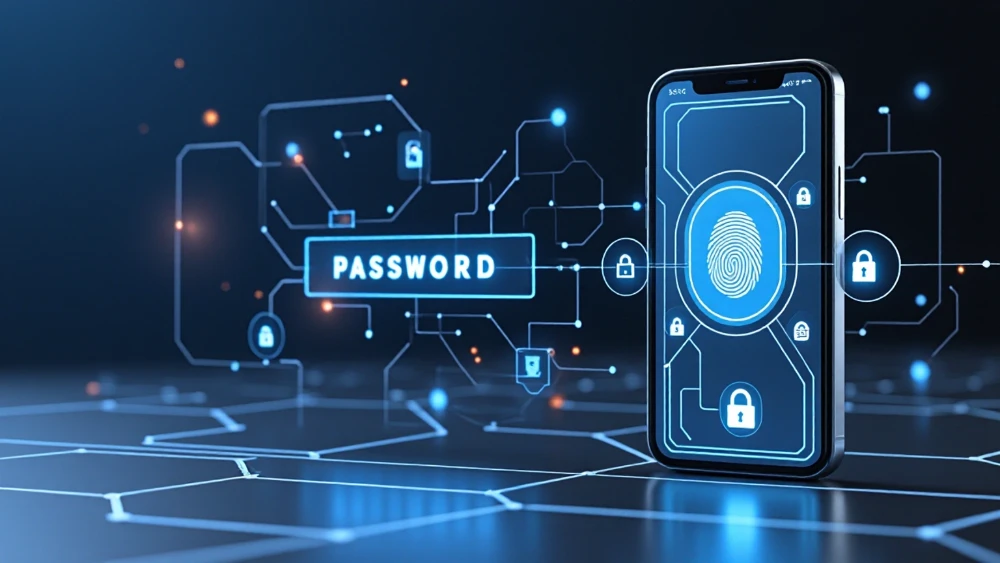
For decades, getting into an online account meant remembering some combination of a username and password. Then came password rules, password managers, security questions, two-factor codes, authenticator apps, and the familiar ritual of clicking “Forgot password?” Now the password itself may finally be losing its place at the center of online security.
What exactly is a passkey?
A passkey is a digital credential that lets you sign in without typing a traditional password. Instead of relying on a secret phrase that can be guessed, reused, stolen, or phished, passkeys use public-key cryptography.
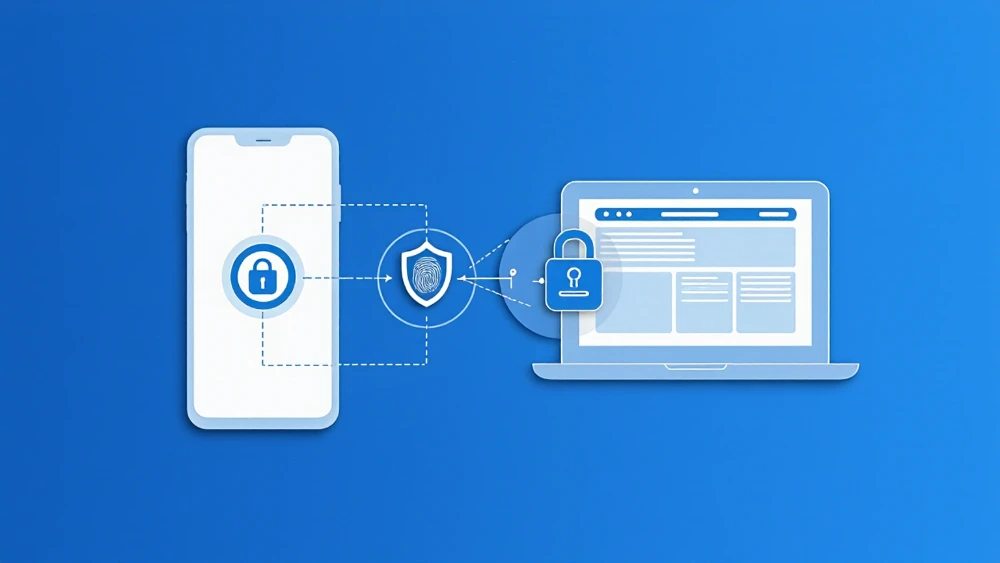
Your device creates a matched pair of cryptographic keys. The website keeps the public key, while the private key stays protected by your device, credential manager, or security key. When you sign in, the website sends a challenge that can only be answered correctly with the matching private key.
For the user, that complicated exchange can look remarkably simple: fingerprint, face scan, device PIN, or screen lock—then you are in.
Why passwords became the weak link
Passwords depend heavily on human behavior. People forget them, reuse them, choose predictable ones, write them down, and sometimes hand them to convincing phishing sites without realizing what happened.
Passkeys are designed to remove that reusable secret from the login process. A passkey is tied to the legitimate website or application it was created for, so there is nothing for a user to type into a fake login page. The service also stores a public key rather than a password equivalent that can be cracked to reveal the original secret.
That does not make every account impossible to compromise, but it removes several of the most familiar ways attackers steal credentials.

The biggest change is not that your fingerprint becomes your password. It is that there is no reusable password left for a scammer to trick you into handing over.
The major platforms are already moving
Passkeys are no longer an experimental feature tucked away for developers. Google lets users sign in to supported accounts with a fingerprint, face scan, or device screen lock. Apple supports passkeys across devices signed in to the same Apple Account, and Microsoft supports passkeys for Microsoft accounts, Windows, websites, apps, and services.
Microsoft is also phasing out SMS as an authentication and account-recovery method for personal Microsoft accounts, pointing users toward passwordless accounts, passkeys, and verified email instead. That makes the shift especially visible in 2026: the industry is not simply adding another login option—it is gradually reducing dependence on older ones.

What happens when you get a new device?
This is where passkeys can sound intimidating at first. If the key is protected by your device, what happens when that phone or computer disappears?
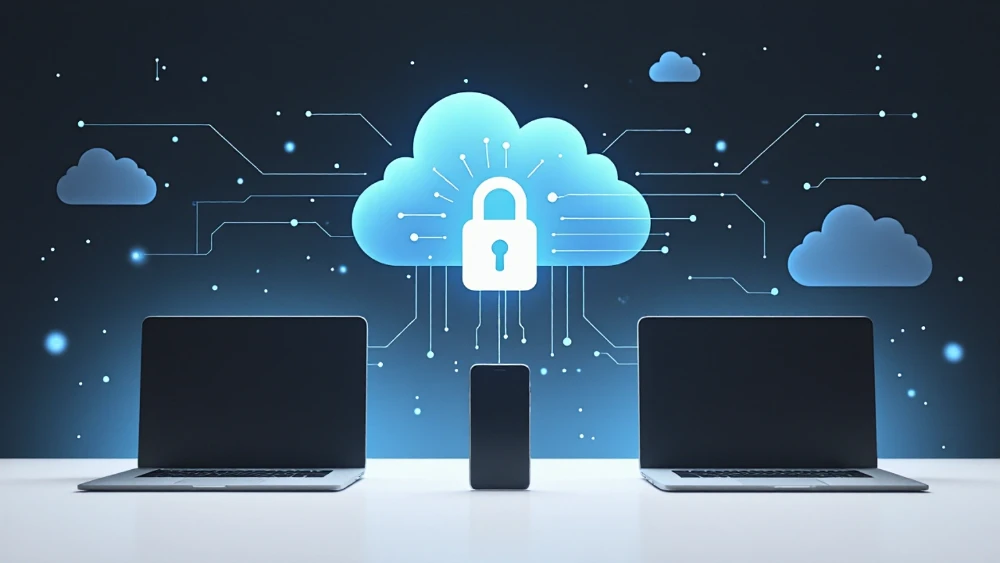
Many passkeys can be securely synchronized through a credential manager so they become available on other approved devices. Apple can make passkeys available through its account ecosystem, Google Password Manager can make them available across signed-in devices, and other passkey managers can provide similar syncing. Some passkeys are intentionally device-bound instead and may need to be set up again or carried on a hardware security key.
That means recovery still matters. Users should keep their devices secured, maintain current account-recovery information, and understand where their passkeys are stored before relying on them as the only way into an important account.
See Google’s guidance for passwords and passkeys across devices
Your face or fingerprint is not being sent to every website
One common misconception is that using a fingerprint or face scan means the website is receiving biometric data. In a normal passkey flow, the biometric check happens locally on the device to authorize use of the credential. The website receives the cryptographic proof it needs, not a copy of the user’s fingerprint or face.
The same idea applies when a device PIN or screen lock is used instead. The local unlock method confirms that the person holding the device is allowed to use the private credential.
That distinction matters because the convenience users see on screen—touch a sensor, glance at a camera, enter a PIN—is separate from the credential the website actually verifies.
Passwords are not disappearing overnight
Even with major platforms moving toward passwordless sign-in, the transition will take time. Not every website supports passkeys. Older devices and software remain in use. Businesses have legacy authentication systems, and different credential managers and operating systems still handle some details differently.
Many services also offer passkeys alongside passwords rather than eliminating passwords completely. That gives users a gradual path forward, but it also means old password risks can remain if the account still allows a weaker fallback method.
For now, the internet is likely to remain a mixture of passwords, passkeys, authenticator apps, security keys, device authentication, and account-recovery methods. The important change is that passwords no longer have to be the default foundation underneath all of them.
Should you start using passkeys?
If a reputable service you already use offers passkeys, they are worth considering. They can make sign-in faster while reducing exposure to password reuse, credential theft, and traditional phishing.
Users should still pay attention to where their passkeys are stored, protect the devices and accounts that synchronize them, keep recovery information current, and remove credentials tied to devices they no longer control.
Security does not stop mattering because the password box disappears. But the everyday experience can become dramatically simpler: instead of remembering which combination of capitals, symbols, numbers, and forgotten variations belongs to a particular site, you unlock the device already in your hand.
The strange end of an internet tradition
Passwords became so normal that it is easy to forget how much infrastructure we built around their weaknesses. We created password managers to remember them, generators to invent stronger ones, two-factor systems to reinforce them, and recovery systems for when people inevitably forgot them.
Passkeys approach the problem from the other direction. Rather than asking people to become better at managing hundreds of reusable secrets, they remove the secret the person has to remember and type.
Passwords are not dead yet. But after decades of typing, resetting, forgetting, reusing, and protecting them, their replacement is no longer theoretical. The passwordless internet has already started arriving.
Pixel’N’Code is not affiliated with the companies or services mentioned in this article. Information is provided for educational and informational purposes. Authentication features, availability, recovery methods, and platform support can change over time; choose the security methods appropriate for your accounts and devices.
← Back to Articles